ROB RUN controls and keybinds (what is actually confirmed)
The inputs the game documents, how to rebind, and why we will not invent a key list.
ROB RUN does not publish a default key layout. The one input Kefir documents is H, which opens the Shipments menu. Everything else — movement, mask, map, inventory — is visible in the in-game settings and rebindable there. Keyboard and mouse is the only documented input; no controller layout exists.
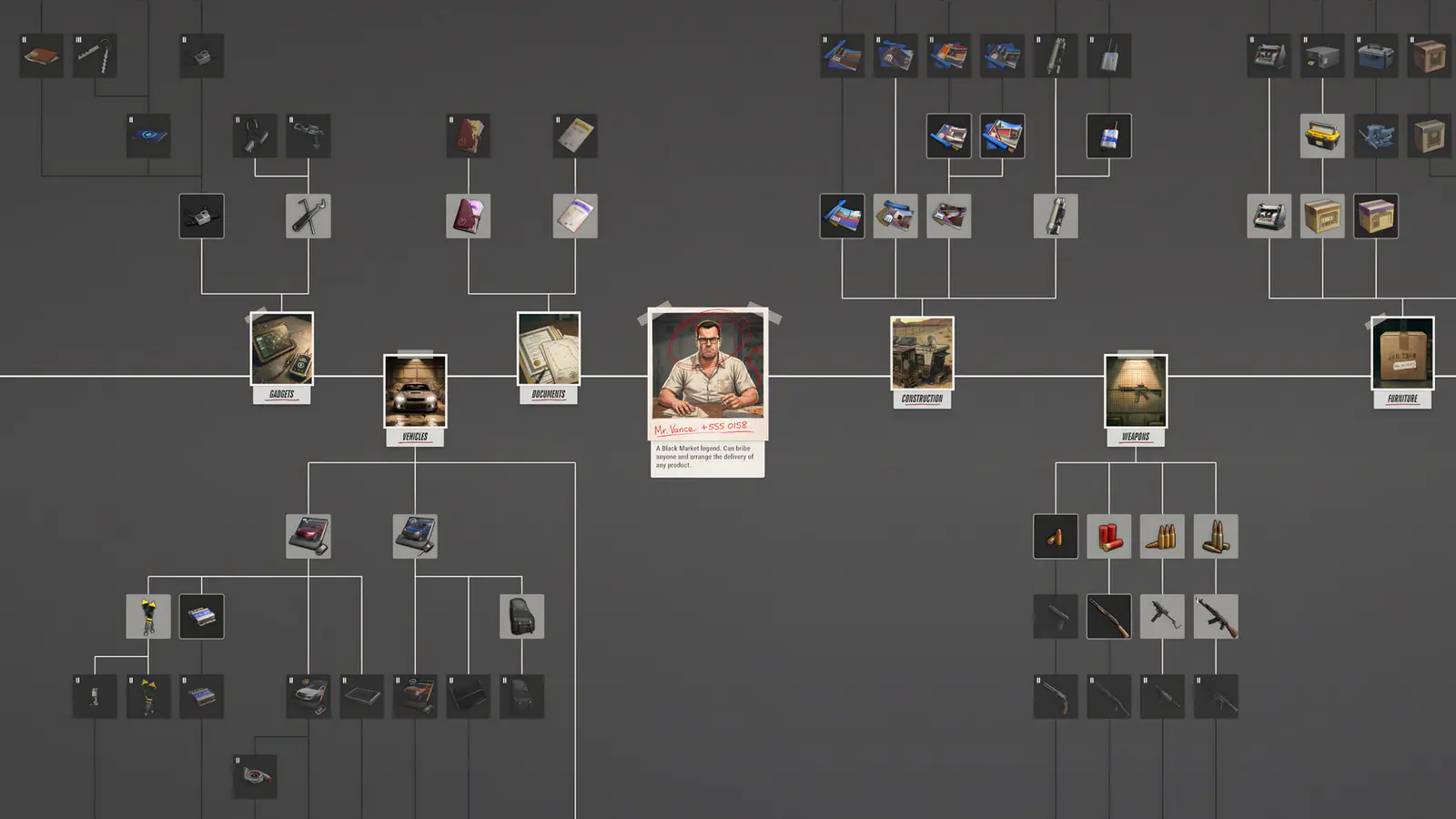
Most “ROB RUN controls” pages online are a list of guesses. We are not going to do that. Here is what is actually documented, and where to look for the rest.
Confirmed inputs
| Input | Action | Source |
|---|---|---|
| H | Open the Shipments menu | Kefir help centre / community guides |
| Mouse + keyboard | Primary input | Steam listing has no controller category |
| In-game settings | Rebind and sensitivity | Standard for the build; verify in your client |
The inputs that actually matter
Forget the layout for a second. These are the actions that decide fights:
- Mask — the action that turns you from civilian to criminal. Bind it somewhere you will not hit by accident.
- Global map — opens when you cross a location edge; it is also how server travel starts.
- Inventory — you will open it under fire. Put it on a key you can reach without looking.
- Surrender — the option that saves your gear. Know where it appears before you need it.
- Interact — lockpicks, safes, doors, the Laundering Desk. The most-pressed key in the game.
Settings worth changing before your first raid
- Lower your mouse sensitivity until tracking a moving player is comfortable — this is a shooter before it is a crime sim.
- Turn off or reduce motion blur. It hides movement in alleys, which is where fights start.
- Set a bind for the map that does not conflict with movement.
- If you use push-to-talk, bind it away from your interact key; talking while picking a lock should not cancel the lock.
Controller support
Steam lists no controller support for ROB RUN and Kefir has not published a controller layout. Steam Input can emulate one, but treat that as an experiment, not a supported setup. The console and crossplay question is answered in the platform guide.
Accessibility and comfort
Kefir has not published an accessibility statement for ROB RUN. The settings menu is the place to check for FOV, motion blur, subtitles and remapping. If a setting you need is missing, the official feedback channel is the Discord, not a fan site.
FAQ
What are the default ROB RUN controls?
Kefir has not published a default layout. The documented input is H for Shipments; the rest is in the in-game settings, where it can be rebound.
Does ROB RUN support controllers?
No controller support is listed on Steam and no layout has been published. Keyboard and mouse is the documented input.
Can I rebind keys?
The game has a settings menu with rebinding. We do not publish a mirrored list because it changes and errors are costly.
How to play ROB RUN: the loop, the roles and the rules
A complete orientation for new players — what the game is, how a session works, and the five rules that decide whether you keep your loot.
ROB RUN on PS5, Xbox and crossplay: what is actually confirmed
Windows-only today, no console announcement, no published crossplay — and the Steam Deck question nobody has answered officially.
ROB RUN performance: settings that actually raise FPS
Where the frame time goes in a city full of players, and the settings worth changing first.