“Waiting for status information” in ROB RUN: what it means and how to fix it
The loading screen that hangs for a minute and dumps you back on the map — causes, fixes, and the error code table.
It is the screen shown while ROB RUN asks the server to place you in a location. When the server does not answer, it hangs for about a minute and returns you to the map. Start with a full quit to desktop and a Steam restart; if a code appears, match it to the error table below.
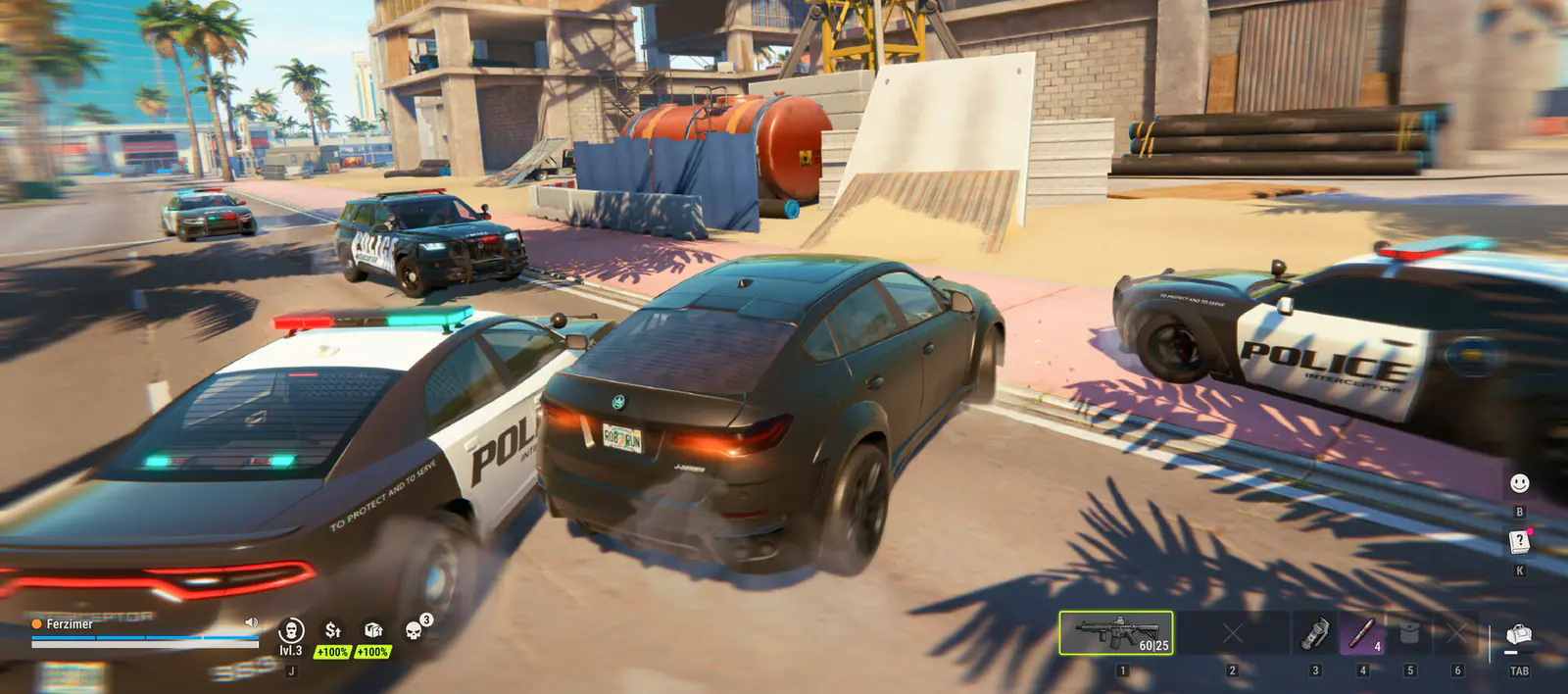
This is the single most-searched problem in ROB RUN right now, and most of the answers online are either guesswork or an advert for someone else’s account. Here is the version that separates what Kefir says from what players observe.
What the screen actually is
ROB RUN splits its world into separately loaded locations: your plot, settlements, Lenny’s Motel and Looty Bay. Moving between them goes through the global map, and the game shows “Waiting for status information” while it asks the server to place you in the next location.
When the server answers, the screen clears. When it does not, players report the screen running for about a minute and then dropping them back on the map. Kefir has not published an explanation of the message itself.
Why it happens
| Cause | Evidence | Can you fix it? |
|---|---|---|
| Server load and DDoS | Kefir posted on 7 November that servers were under repeated DDoS attacks causing “connection errors, lag, and other in-game issues” | No |
| A client left open through a server restart | Players report a full relaunch works where retrying from the map loops | Yes — relaunch |
| Corrupted or mismatched files | Kefir error codes E-0303 / E-0304 and E-0124 | Yes — verify files |
| Outdated build | Kefir error codes E-0301 / E-0302 | Yes — restart Steam and update |
| Network or proxy interference | Kefir error codes E-0101 / E-0102 / E-0110 | Sometimes |
The fix order (stop when one works)
- Quit to the desktop Not to the menu, not to the map. Close the process completely. Retrying from the map is the loop players report.
- Restart Steam Kefir’s loading FAQ says to check the connection, restart both the game and Steam, and update the graphics driver.
- Launch from your Steam library For Easy Anti-Cheat errors, Kefir says to launch only through Steam.
- Verify the game files Steam → Properties → Installed Files → Verify integrity. Fixes E-0124, E-0303 and E-0304.
- Update your graphics driver Listed in the same Kefir FAQ, and worth doing once after a patch.
- Wait 10–15 minutes Kefir’s advice for mismatched data (E-0303 / E-0304): wait, disable any proxy, verify files, update.
ROB RUN error codes
| Code | Meaning (Kefir) | Fix |
|---|---|---|
| E-0101 / E-0110 | Cannot connect to the server for configuration or startup data | Check your connection; confirm websites load |
| E-0102 | Data blocked or arrived with errors (public Wi-Fi, antivirus HTTPS scanning) | Home network, disable proxy, pause HTTPS scanning |
| E-0124 | Internal asset loading error | Verify game files |
| E-0201 | Lost the server and did not reconnect | Check connection; restart the game |
| E-0301 / E-0302 | Outdated game version | Close game, restart Steam, update |
| E-0303 / E-0304 | Corrupted or version-mismatched data | Wait 10–15 min, disable proxy, verify, update |
| E-0401 | Steam authentication failed | Steam online, correct account, restart both |
| E-0501 / E-0502 | Easy Anti-Cheat error | Launch only through Steam |
Kefir help-centre error code list, as published. If your code is not here, the help centre is the source.
Check whether it is you at all
- Read the Steam news feed — Kefir posts outage notices there, and the 7 November DDoS notice is the template.
- Check the official Discord’s pinned messages. It moves faster than Steam.
- If other players are reporting the same screen at the same minute, stop troubleshooting your PC.
- Remember the two regions: EU and East US. A problem that only affects one region is a server issue, not a client one.
FAQ
What does “waiting for status information” mean in ROB RUN?
It is the loading screen shown while the game asks the server to place you in a location. If the server does not answer, it hangs for about a minute and returns you to the map.
How do I fix it?
Quit to the desktop, restart Steam, launch from the library, verify game files and update your graphics driver. If the servers are under load or DDoS, none of that will help until they recover.
Is ROB RUN down right now?
There is no official status page. Check the Steam news feed and the pinned posts in the official Discord; Kefir posted a DDoS notice there on 7 November.
What does error E-0101 mean?
The game cannot connect to the server to download configuration or startup data. Check your internet connection and confirm websites load, then retry.
ROB RUN stuck on compiling shaders or an infinite loading screen
First-launch shader work, the cache-clearing fix, and how to tell a slow PC from a broken server.
ROB RUN performance: settings that actually raise FPS
Where the frame time goes in a city full of players, and the settings worth changing first.
How to change servers in ROB RUN
The official Prison method for joining a friend on another server, plus what happens to your progress when you move.